Recipe Nutrition Calculator
Paste or type a recipe to see calories, protein, fat, carbohydrate and more, for the whole dish and per serving.
Recipe nutrition calculator
This tool runs entirely in your browser. Nothing you enter is sent to us or anyone else.
- Range
- Food composition varies between brands, crops and cooking. Treat these numbers as an estimate, not an exact value.
- Based on
- Estimate based on USDA FoodData Central. How we calculate
- Cannot tell you
- Exact values for your brands or cooking method. This is for personal use and is not a regulatory label check.
Ingredients and matches
Check each match. Change any that are wrong: the totals update straight away. Lines marked "Not counted" are left out until you fix them.
| Your line | USDA match | Grams | Calories | Protein | Fat | Carbs |
|---|
Per serving and whole recipe
| Nutrient | Per serving | Whole recipe |
|---|
Unrounded values. The Nutrition Facts panel uses the FDA rounding rules.
Nutrition Facts
How this is calculated
- Each line is split into amount, unit and food.
- The food is matched to a USDA FoodData Central entry, which you can change.
- The amount is converted to grams: weights directly, cups and spoons and counts with USDA's gram weight for that food.
- Nutrients per 100 g are scaled to those grams and added up, then divided by the number of servings.
- The Nutrition Facts panel applies the FDA rounding rules and Daily Values in 21 CFR 101.9.
Every number this tool uses is listed in our sources ledger:
- unit.volume.label: U.S. Food and Drug Administration (21 CFR 101.9, eCFR), 21 CFR 101.9 Nutrition labeling of food (current as of 2026-11-20)
- unit.lb_g: Federal Trade Commission (16 CFR 500.19, eCFR), 16 CFR 500.19 Conversion of SI metric quantities to inch/pound quantities
- fda.dv.fat: U.S. Food and Drug Administration (21 CFR 101.9, eCFR), 21 CFR 101.9 Nutrition labeling of food (current as of 2026-11-20)
- fda.dv.sodium: U.S. Food and Drug Administration (21 CFR 101.9, eCFR), 21 CFR 101.9 Nutrition labeling of food (current as of 2026-11-20)
- fda.rounding: U.S. Food and Drug Administration (21 CFR 101.9, eCFR), 21 CFR 101.9 Nutrition labeling of food (current as of 2026-11-20)
- usda.fdc: USDA Agricultural Research Service, FoodData Central download datasets (SR Legacy CSV; Foundation Foods JSON)
How the matching works
Each line you enter is split into three parts: the amount, the unit and the food. “1 1/2 cups rolled oats” becomes 1.5, cup and “rolled oats”. The food words are then matched to an entry in USDA FoodData Central, the public food composition database run by the U.S. Department of Agriculture.
The match is a best guess, so the calculator always shows it. If it picked the wrong food, choose another from the list or search for a better one. A line the calculator cannot read, or cannot turn into grams, is marked “Not counted” and left out of the totals until you fix it. Nothing is dropped without telling you.
Two USDA datasets are included:
- SR Legacy (April 2018), the long-standing reference set with about 7,800 foods and a full nutrient panel for most of them.
- Foundation Foods (October 2026), newer laboratory analyses of about 370 basic foods. These are marked “(Foundation)” in the list. Some nutrients are not reported for them.
Cups, spoons and weights
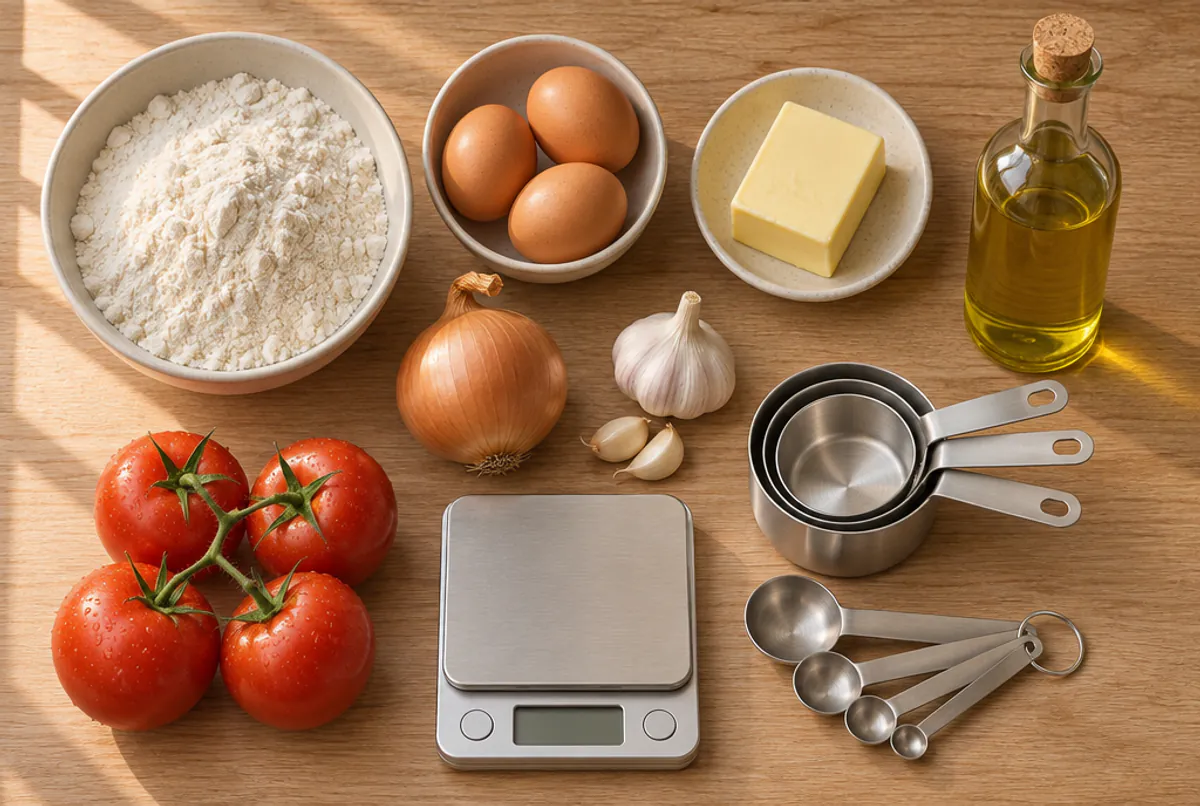
USDA records nutrients per 100 grams, so every amount is turned into grams first. Weights (g, kg, oz, lb) are converted directly. For cups, tablespoons and teaspoons, the calculator uses the gram weight USDA lists for that food: one cup of all-purpose flour is 125 g in USDA’s data, while one cup of milk is much heavier. If USDA lists no volume measure for a food, the calculator asks you for a weight instead of guessing.
Counts such as “2 large eggs” or “3 cloves garlic” use USDA’s portion sizes for that food. If USDA has no matching size, enter the weight.
Weighing ingredients on a kitchen scale gives the most reliable result. A “cup” of flour can vary a lot depending on how it is scooped.
Raw or cooked?
Pick the USDA entry that matches the state of the food when you weigh it. If you weigh rice before cooking, choose a “raw” or “dry” rice entry. If you weigh cooked rice, choose a “cooked” entry. Cooking changes weight, mostly through water, so 100 g of dry rice and 100 g of cooked rice are very different amounts of food. The same applies to meat, pasta, beans and vegetables.
Why these are estimates
USDA values are averages from samples. Your carrot, your brand of yogurt and your oven will differ. Some nutrients are not reported for every food. When that happens the calculator says so, and the Nutrition Facts panel marks the value with an asterisk, because the true amount may be higher than shown.
USDA FoodData Central has no added-sugar values, so the calculator cannot work them out. If you know how much sugar, honey or syrup you added, type the total into the optional added-sugars box and the panel will show it with its % Daily Value.
About the Nutrition Facts panel
The panel follows the layout and rounding rules for U.S. labels in 21 CFR 101.9. It uses the Daily Values for adults and children 4 years and older. It is meant for your own use: meal planning, sharing a recipe with friends, or keeping track of what you eat. It is not a check that a label meets FDA rules, and it should not be used on food you sell. Commercial labels have further requirements, such as approved methods and records.
The table beside the panel shows the unrounded numbers, which are better for adding up meals.
Sharing and privacy
“Copy share link” stores the recipe inside the link itself, after the # sign. Nothing is sent to us. You can also copy the results as text, download the panel as an image or print the page.
Which calculator? To add up one plate of food instead of a whole recipe, use the meal calorie calculator. If you only want protein, carbohydrate and fat with a calorie split chart, use the recipe macro calculator.
Questions people ask
Can I calculate calories for a recipe I found online?
Yes. Copy the ingredient list, paste it into the box and set the number of servings. Check each USDA match before you rely on the totals.
Why does the calculator ask for a weight?
USDA lists cup or spoon weights for many foods, but not all. When a food has no volume measure, a weight in grams or ounces is the only accurate way to calculate it.
Is the Nutrition Facts panel good enough for food I sell?
No. It is for personal use. Food sold to the public must meet the FDA labeling rules, which need more than a calculator.
Related tools and guides
Nutrition Label Generator
Type in nutrient values or load a recipe and get a Nutrition Facts panel to print or download.
Recipe Macro Calculator
Protein, carbs and fat per recipe and per serving, with a macro split chart.
Recipe Scaler
Scale an ingredient list up or down by servings or by a factor.
How to Calculate Calories in Homemade Food
The weigh, total and divide method with a worked example.
How Accurate Are Recipe Nutrition Calculators?
Where the errors come from and how far off results can be.
Sources
- U.S. Department of Agriculture, Agricultural Research Service. FoodData Central: SR Legacy (April 2018) and Foundation Foods (October 2026) datasets. Accessed 2026-11-24.
- U.S. Food and Drug Administration. 21 CFR 101.9 Nutrition labeling of food (eCFR, current as of November 2026). Accessed 2026-11-24.